Phone app · AI photography
Snap & Scan
A phone app for building product catalogs: photograph an item, scan its barcode, and AI turns the photo into a clean studio shot saved under the barcode number.
- Industry
- Retail catalogs
- What we built
- Phone app
- AI studio shots
- Batch export
The brief
Overview
Every product in an online catalog needs a clean photo, saved under a name the store can match to the right item. Done by hand, that means a photo studio and a lot of careful renaming.
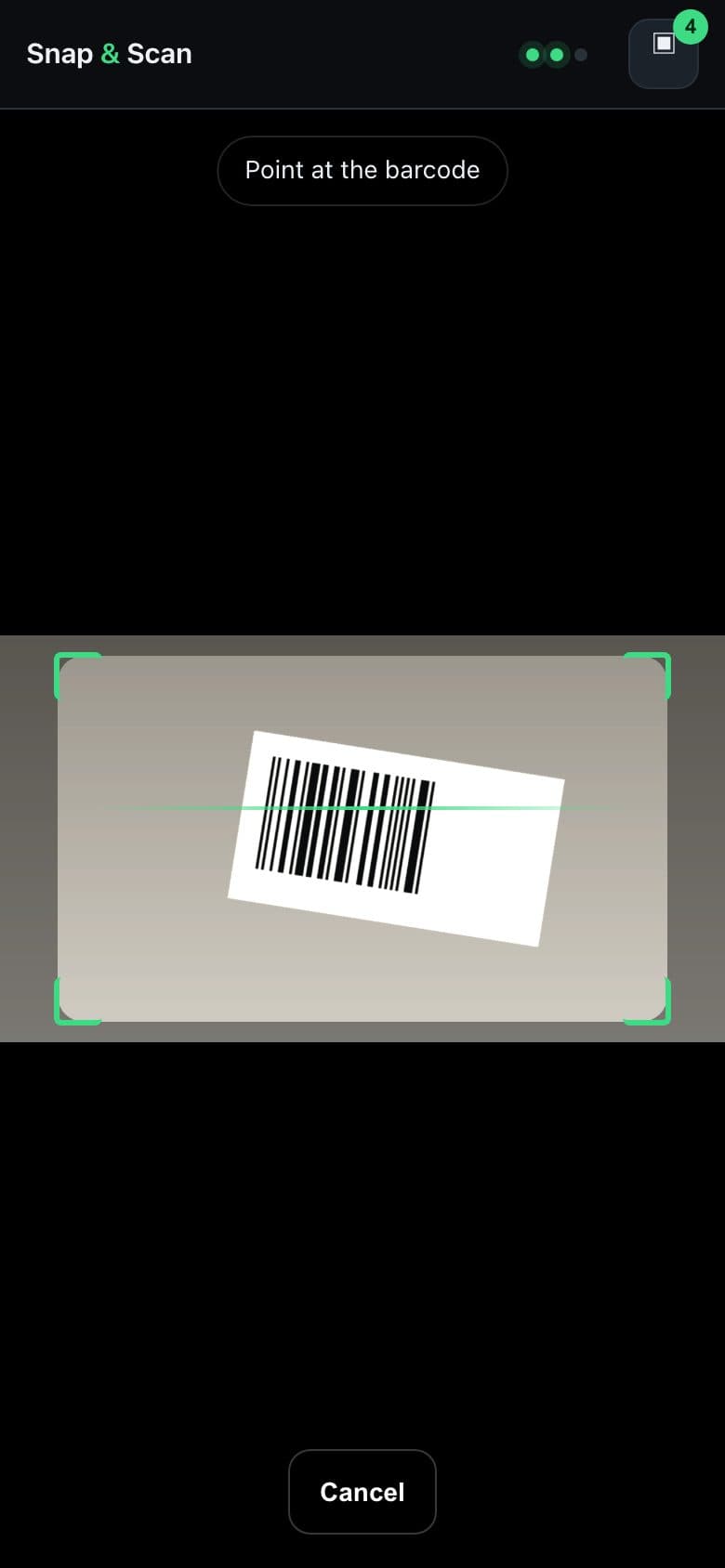
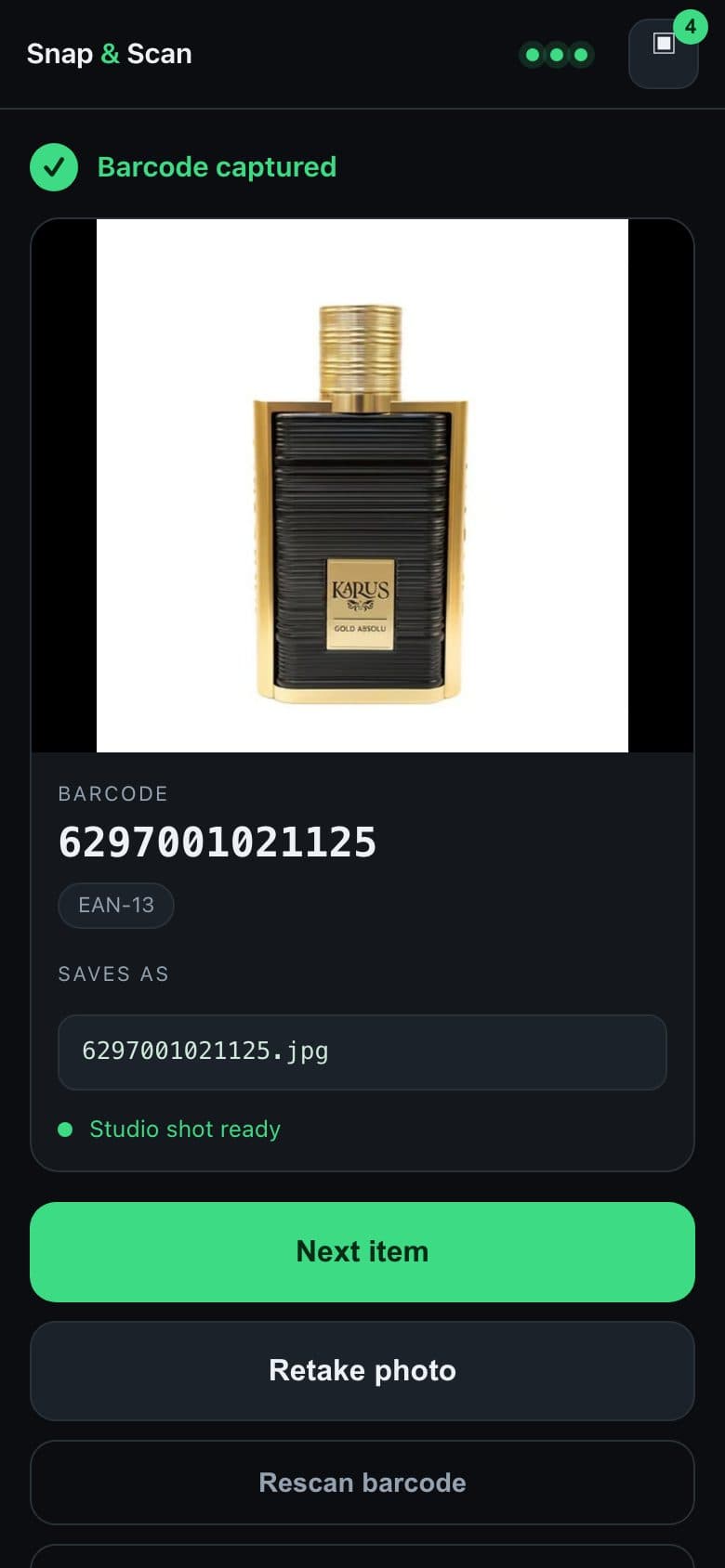
Snap & Scan turns it into a two-step job on a phone. Photograph the item, hold its barcode up to the camera, and the photo is saved as that barcode's file. While the scanner is still reading, AI re-renders the photo as a studio shot on a pure white background, so it's usually ready before the barcode is.
What we built
Features that matter to the business
Scan without pressing anything
The scanner starts reading the moment it opens. Hold the barcode in frame and it locks on, with checks that reject misreads before they're saved.
Studio shots in seconds
AI re-renders each photo on a seamless white background with even lighting, keeping the product's own labels and text exactly as they are.
Named by barcode
Every photo is saved as its barcode number, ready to match to the right product in the store's catalog without any renaming.
Never loses a scan
Scans are kept on the phone as they're taken, so closing the app costs nothing. If a studio shot fails, the original photo is kept instead.
Whole batches at once
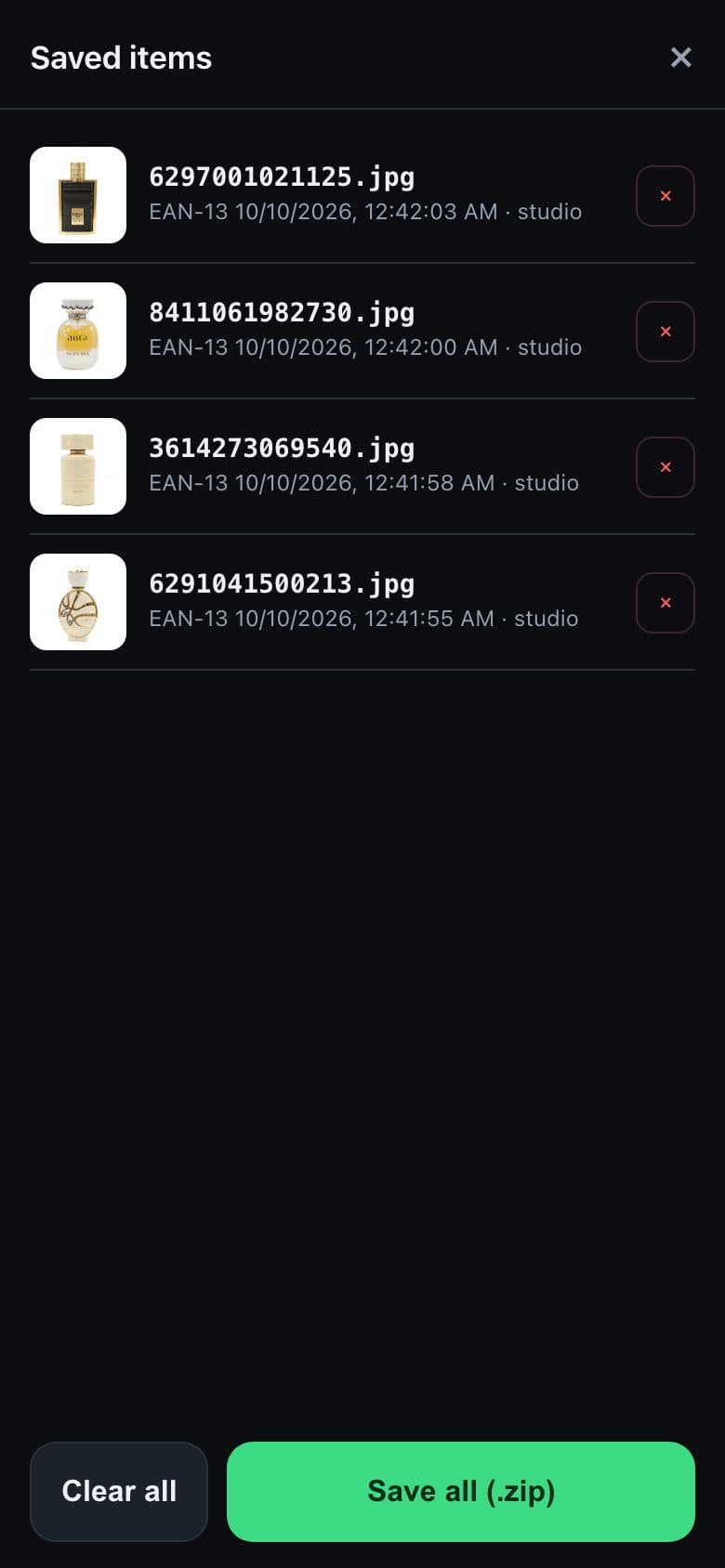
Review the session, drop anything you don't want, and save every photo as one zip file, straight to Files, Photos or AirDrop.
Installs like an app
Add it to the home screen and it opens full screen with its own icon, without going through an app store.
Performance
Stable and fast, even on a weak connection
Photos are shrunk on the phone before they're sent, so studio shots come back quickly even on mobile data, and they're made while the barcode is still being scanned, so there's rarely any waiting. A slow or failed request never costs a scan: the original photo is kept and the app moves on to the next item.